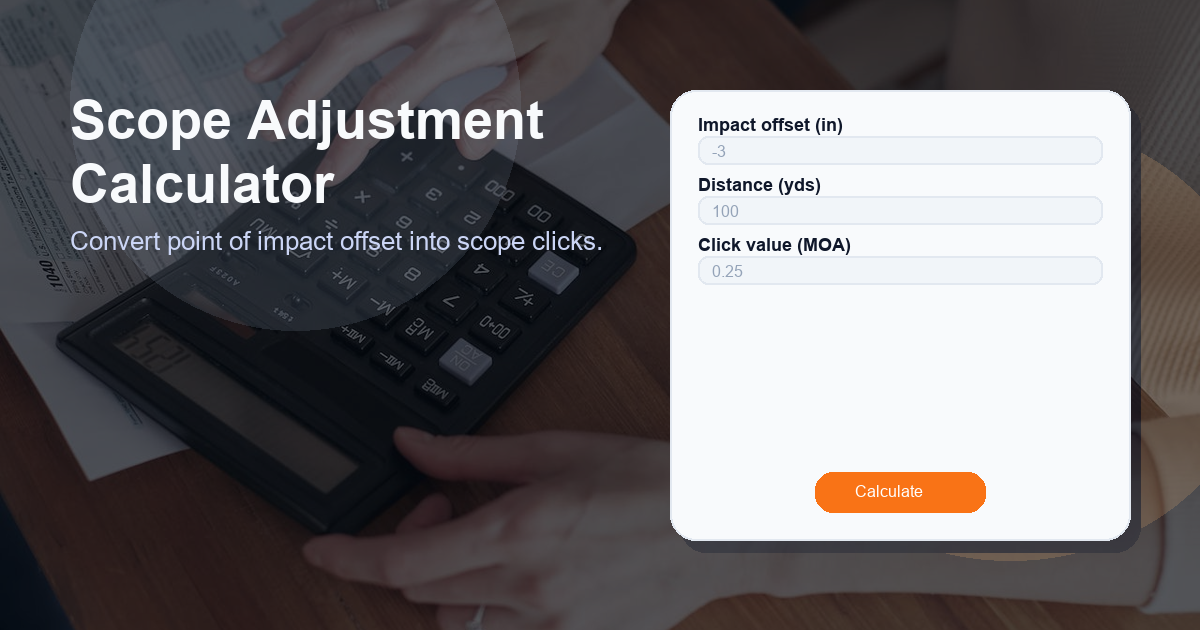
Description: Convert point of impact offset into scope clicks. Use this Scope Adjustment Calculator guide to translate an observed impact offset (in inches) at a known distance (yards) into the number of scope adjustment clicks required, based on your scope’s click value (MOA).
What this Scope Adjustment Calculator calculator does
The Scope Adjustment Calculator converts a measured point-of-impact offset into the number of elevation or windage clicks you must dial on your scope. It takes three inputs:
- Impact offset (in) — the vertical or horizontal distance between where the bullet hit and where you aimed, measured in inches.
- Distance (yds) — the range to the target in yards.
- Click value (MOA) — how much one click of your scope moves the point of impact, typically expressed in minutes of angle (e.g., 0.25 MOA per click).
Using those values, the calculator returns the required adjustment in Clicks. This is a practical, field-ready conversion to quickly translate real-world observed offsets into scope turret adjustments.
How to use the Scope Adjustment Calculator calculator
Follow these simple steps to use the Scope Adjustment Calculator accurately:
- Measure the offset: Use a target grid or measuring tape to determine the offset in inches between the point of aim and the point of impact.
- Confirm the distance: Know the distance from the shooter to the target in yards. Use a rangefinder for best accuracy.
- Know your click value: Check your scope manual to determine the adjustment per click (common values: 0.25 MOA, 0.5 MOA, 1 MOA).
- Apply the formula: Enter the three values into the calculator to obtain the number of clicks (see the formula below).
- Round appropriately: Decide whether to round to the nearest whole click or to the nearest fraction your turret supports (e.g., quarter-clicks), then adjust your turret by that many clicks.
- Verify: Fire a confirmation shot to ensure the correction produced the desired impact shift; repeat if necessary.
How the Scope Adjustment Calculator formula works
The core conversion uses a standard relation between MOA and linear displacement on the target. One minute of angle (1 MOA) subtends approximately 1.047 inches at 100 yards. The formula implemented in the calculator is:
Clicks = (impact_offset_in / (1.047 * distance_yds / 100)) / click_value_moa
To avoid invalid input, the calculator uses this conditional rule:
If distance_yds > 0 AND click_value_moa > 0 then calculate using the formula above; otherwise return 0.
Step-by-step explanation:
- Scale MOA to the given distance: 1.047 * (distance_yds / 100) gives inches per 1 MOA at the specified range.
- Convert inches offset to MOA: impact_offset_in divided by the inches-per-MOA equals the offset in MOA.
- Convert MOA to clicks: Dividing the offset in MOA by the click value (MOA per click) yields the number of clicks needed.
Examples:
- Example A: 2.0 in offset at 100 yds with 0.25 MOA clicks:
- Inches per MOA at 100 yds = 1.047
- MOA offset = 2.0 / 1.047 ≈ 1.911 MOA
- Clicks = 1.911 / 0.25 ≈ 7.644 → about 8 Clicks
- Example B: 1.5 in offset at 200 yds with 0.5 MOA clicks:
- Inches per MOA at 200 yds = 1.047 * 2 = 2.094
- MOA offset = 1.5 / 2.094 ≈ 0.716 MOA
- Clicks = 0.716 / 0.5 ≈ 1.432 → about 1 to 2 Clicks depending on rounding
Always confirm adjustments with a follow-up shot; initial calculations are a best estimate based on the measured values.
Use cases for the Scope Adjustment Calculator
The Scope Adjustment Calculator is useful in many shooting scenarios. Examples include:
- Zeroing a rifle: Convert your first group offsets into turret clicks to quickly establish a zero.
- Field corrections: When changing distance or ammo, make rapid corrections without complex ballistic tables.
- Competition adjustments: During matches, quickly convert target corrections into exact clicks for faster stage time.
- Hunting setups: Make conservative adjustments in the field to improve first-round placement at a known distance.
- Training and instruction: Teach students the relationship between linear offset, MOA, and turret clicks with practical examples.
Other factors to consider when calculating x
When using the Scope Adjustment Calculator, understand that several real-world variables can influence the observed offset and the effectiveness of your adjustment. Consider these factors:
- Parallax and optical alignment: Parallax error can make measured offsets inaccurate. Ensure parallax is set correctly for the distance.
- Ammunition consistency: Different bullet weights and loads can shift point of impact; verify using the same ammo you intend to shoot.
- Environmental conditions: Wind, temperature, altitude, and humidity can alter trajectory and produce apparent offsets.
- Shooter error and hold: Flinching, inconsistent cheek weld, and improper trigger control are common causes of impact deviation.
- Scope mechanical tolerances: Some turrets have backlash or non-linear adjustment; zero-stop and repeatability vary by model.
- Barrel harmonics and fouling: Barrel temperature and fouling can shift impact point during a session.
- Rounding policy: Decide whether to round to the nearest whole click or to the smallest increment your turret supports (e.g., quarter-click).
Because of these factors, treat the calculator result as an informed starting point. Always verify with live fire after making adjustments.
FAQ
Q: What units do I need to use with the Scope Adjustment Calculator?
A: Use inches for the impact offset, yards for the distance, and MOA for the click value (e.g., 0.25, 0.5, or 1.0).
Q: Why does the formula use 1.047?
A: 1.047 inches is the approximate size of 1 MOA at 100 yards. The multiplier scales MOA to the specified distance (inches per MOA = 1.047 * distance/100).
Q: How should I round the Clicks result?
A: Round to the smallest increment your scope turret supports. If your turret is 0.25 MOA per click, round to the nearest 0.25-click equivalent. If you have whole-click turrets, round to the nearest whole click, then verify with a confirmation shot.
Q: What if my distance or click value is zero or negative?
A: The calculator returns 0 Clicks for invalid input. Always ensure distance > 0 and click value > 0 before computing. Negative or zero values are invalid and indicate a measurement or input error.
Q: Can I use the Scope Adjustment Calculator for windage and elevation equally?
A: Yes. The math converts linear offset into MOA and then clicks, so the same approach works for both windage (horizontal) and elevation (vertical) adjustments. Be sure to measure the correct axis on the target and apply the clicks to the corresponding turret.
Result label: Clicks — use this value to make your turret adjustments and always verify with a follow-up shot.